
Name the relationship
A town, guild or other faction can have its own Tracker entry. Use clear names to keep your local standings distinct.
Local standing. Recognition earned.
A baker welcomes the party while officials watch from the archway. Keep track of who knows them, what standing means locally and which title fits their story.

Give a welcome some context
Keep fictional standing visible without replacing the conversation.
A town, guild or other faction can have its own Tracker entry. Use clear names to keep your local standings distinct.
Set reputation and renown separately after deciding what an event means. The tool does not observe play or make that ruling for you.
Review tier descriptions and suggested effects before preparing a greeting, negotiation or request for help. Your campaign rules take priority.
Choose a title milestone yourself and draw a candidate. Adapt the wording to the people, place and deeds your table knows.

Connect a deed to standing
An adventurer points to a bridge model while a recorder marks the local map. This illustration suggests a deed and its audience; it is not an application screen.
Decide who benefited and who heard the story. Adjust the relevant Tracker entry manually, or use the separate session ledger to note an event and its faction.
From deed to local response
A manual workflow for returning communities and recurring factions.
Add a named place or faction. Review the initial reputation 35 and renown 0, then use the separate controls to reflect your campaign.
In Ledger, add your roster and factions, then choose a member or the entire party for an event. Enter points and the context that explains them.
Review personal and party faction totals without treating them as Tracker scores. Decide separately whether reputation or renown should change.
Save Tracker locales or a title explicitly. Copy the title into your own notes and record important session ledger details before closing the window.
The reputation toolkit
Know what is adjusted, calculated and kept.
Name each place or faction in Tracker and adjust reputation and renown separately. New entries start at reputation 35 and renown 0; both scores run from 0 to 100.
Review the named reputation tier, roleplay description and economy, quest and social guidance. These are suggestions for your ruling, not automatically applied game effects.
Add character and player labels, named factions and their scope. The roster, factions and events stay in memory for the current open session; they are not saved.
Choose a member or the entire party, a faction and points. Add visibility, location, date and a reason; those details provide context rather than multiplying the score.
A member total includes their personal events plus every-party events for that faction. The party row contains party events only; it is not a member average.
Choose an offered renown milestone and a valid whole-number seed to draw a title. The same milestone and seed reproduce it; Tracker renown does not select the milestone automatically.
Explicitly save Tracker locales or a drawn title as a machine-local snapshot. Tracker snapshots exclude the session ledger; opened titles do not reset generation controls.
Copy the title text and adapt any place placeholders in your own notes. The copied text excludes milestone, roll and seed; preserve those details separately if you need a replay.
Choose the right view
Use the five tabs without assuming their records are linked automatically.
Name, rename or remove entries and adjust each score between 0 and 100. Read the tier and renown descriptions for that entry.
Maintain a roster and factions, add member or party events and read the resulting faction totals. This working record is not saved.
Choose a milestone and seed, then Roll a title (d10) or Reroll. The selected milestone is independent of current Tracker renown.
Read the reputation and renown guidance in Reference. In Saved, open or delete explicitly saved Tracker and title snapshots.

Earned local recognition
An elder presents a leaf-shaped badge while companions applaud. This illustration shows fictional recognition; the product does not generate an image or automatically award a badge.
Roll a candidate title for your chosen milestone, review its wording and introduce it when the community has reason to recognise the party.
Review the next change
Reputation, ledger points and title rolls have separate controls.
Tracker reputation has plus and minus adjustments as well as its score control. Ledger Points currently accepts nonnegative values; it does not offer negative-point penalties.
Visibility, faction scope, location, date and reason describe an event. They do not multiply points or automatically spread fame.
Keep the same milestone and seed for a repeat draw. New changes the seed control only; Reroll changes it and draws immediately.
Removing a member or faction does not rewrite existing event references. Deleting an event changes the totals; keep important context in your own notes.
The table makes the ruling
A score helps preparation; it does not decide how people must respond.
Tier and Reference descriptions suggest reactions and benefits. Review them against your table rules before applying any economic, quest or social effect.
Ledger totals do not update Tracker scores, renown or title milestones. Make any corresponding adjustments deliberately yourself.
The roster, factions and events are not saved. Record what matters elsewhere before closing; a Tracker snapshot excludes this ledger.
There is no session listening, automatic scoring, witness discovery or automatic synchronisation with other products. Score fictional characters and factions, never real people.
Choose access for your toolkit
Begin with a free VISINVOKE account, then review your required selection and subscription.
Select Player Reputation Tracker individually. A free account does not by itself include paid generator access.
Choose five eligible standalone generators. Review tools and terms in your account; the selection pack does not include every VISINVOKE product.
Choose more selection capacity when it suits your toolkit. Review current tools and reselection terms before changing your subscription.
Combat PRO, Battlemaps and image products retain their own access requirements. Linked tools are separate from this generator selection.

Tracker locales auto-save after a short delay. Saving is best effort, without a cloud library, automatic backup or reconciliation between open windows.
Save snapshot stores Tracker locales only; Save title keeps the drawn title result. Neither saves the session ledger.
A Tracker snapshot replaces the current Tracker list. A title restores displayed output without resetting milestone or seed controls.
Copy includes title text only, not milestone, roll or seed. Edit place placeholders in your own notes and keep replay details separately.
Remove and Delete act without undo. Keep important ledger details in your own notes before closing the window.
Build your tabletop toolkit
Each card opens its own public website. Review purpose and access separately; links do not promise included access or automatic synchronisation.

Discover and open your supported Windows products through one connected VISINVOKE account.

Explore environment packs for tactical locations and the places your encounters unfold.
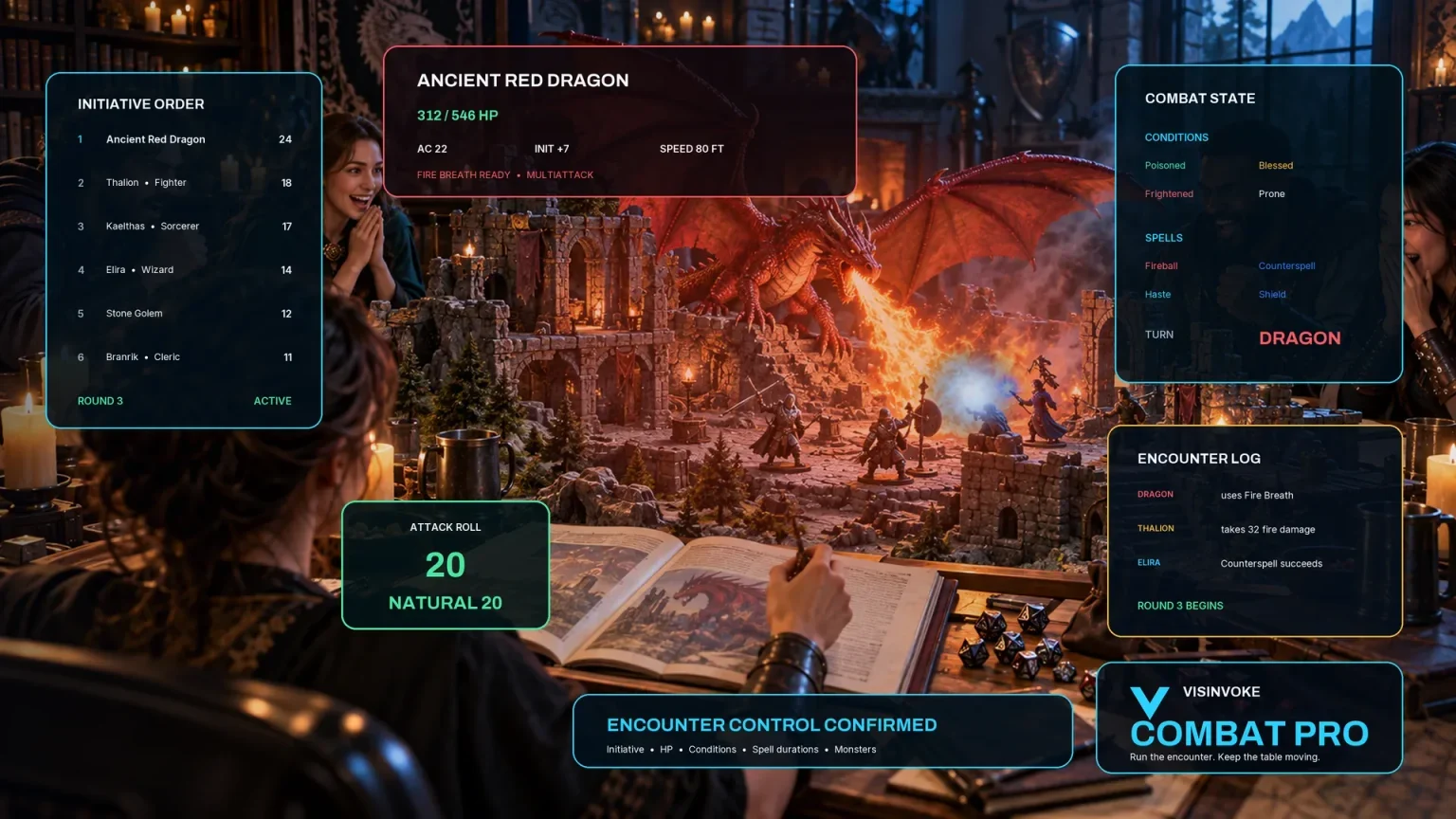
Prepare opposition and run tabletop encounters through a separate product with its own access.

Create focused character, monster, item and location images to complement your tabletop preparation.

Create guided commercial visuals for websites, brochures and wider creative projects.

Explore a separate futuristic RPG experience with its own world, characters and progression.
Product artwork illustrates fictional standing and recognition, not application screens or actual generated image output.
Quick answers
Understand what the current workflow keeps before opening the tool.
Tracker is one list of named places or factions with manually adjusted reputation and renown scores from 0 to 100. Ledger is a separate current-session roster, faction list and event record. Ledger totals do not update Tracker scores, renown or the selected title milestone. Tracker does not create separate score lists for each character; keep your own naming convention.
Choose a member or the entire party for an event and select its faction. Each member total includes personal events and every-party events for that faction. The party row counts party events only, not a member average. Faction scope, event visibility, location, date and reason are descriptive context without numerical weighting. The current Points control accepts nonnegative values; it does not provide a negative-point penalty entry.
Tracker locales auto-save after a short delay on this machine, but saving is best effort. Save snapshot stores Tracker locales only. The roster, factions and events in Ledger are not saved and are lost when the window closes. Keep important ledger details in your own campaign notes before closing. There is no cloud sync, automatic backup or reconciliation between open windows. A missing or unreadable local Tracker file can load an empty list.
Choose one of the offered milestones from 5 to 100 and a valid whole-number seed. The same milestone and seed reproduce the title; a seed alone is insufficient. New changes the seed control only, while Reroll draws with a new seed. The title milestone is independent of Tracker renown. Copy includes title text only, without milestone, roll or seed. Titles containing place placeholders need your own editing outside the tool; there is no complete title-list picker here.
Opening a Tracker snapshot replaces the current Tracker list and returns to Tracker; its later auto-save can replace the machine-local list. It does not restore Ledger. Opening a title restores the displayed result and returns to Titles without resetting milestone or seed controls. Delete removes that local snapshot without undo. The product has no whole-ledger export, import or print control; retain session notes yourself.
No. You choose adjustments and decide how the fictional community responds. Reference and tier descriptions offer roleplay, economic, quest, social and renown guidance; review those suggestions against your table rules rather than treating them as automatic bonuses. No campaign listening, automatic scoring or data transfer to other products occurs. Create a free VISINVOKE account, choose required paid access and open the tool through Desktop Command Centre on Windows.
Continue in VISINVOKE
Create a free VISINVOKE account and choose required standalone generator access.
Get Desktop Command Centre from your account installer page. Sign in on Windows, then open Player Reputation Tracker.